File Management
Viewing Files
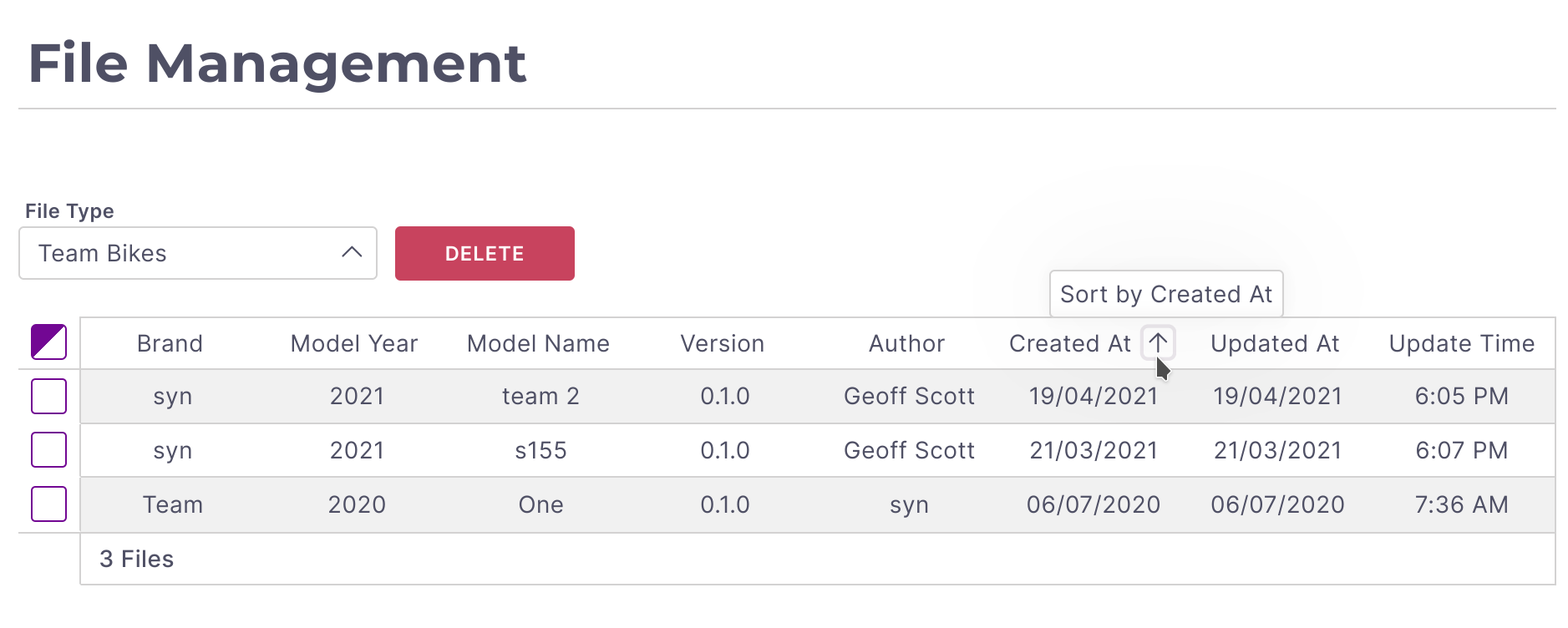
Files can be viewed, sorted, and deleted from the File Management dashboard. From the navigation menu select Files . You can select between the databases available. Columns can be sorted and multiple bikes can be selected to handle bulk
Deleting Files
To delete files select the relevant line items from the using the checkboxes in the first column. Once all the files are selected press the Delete button and confirm your selections.
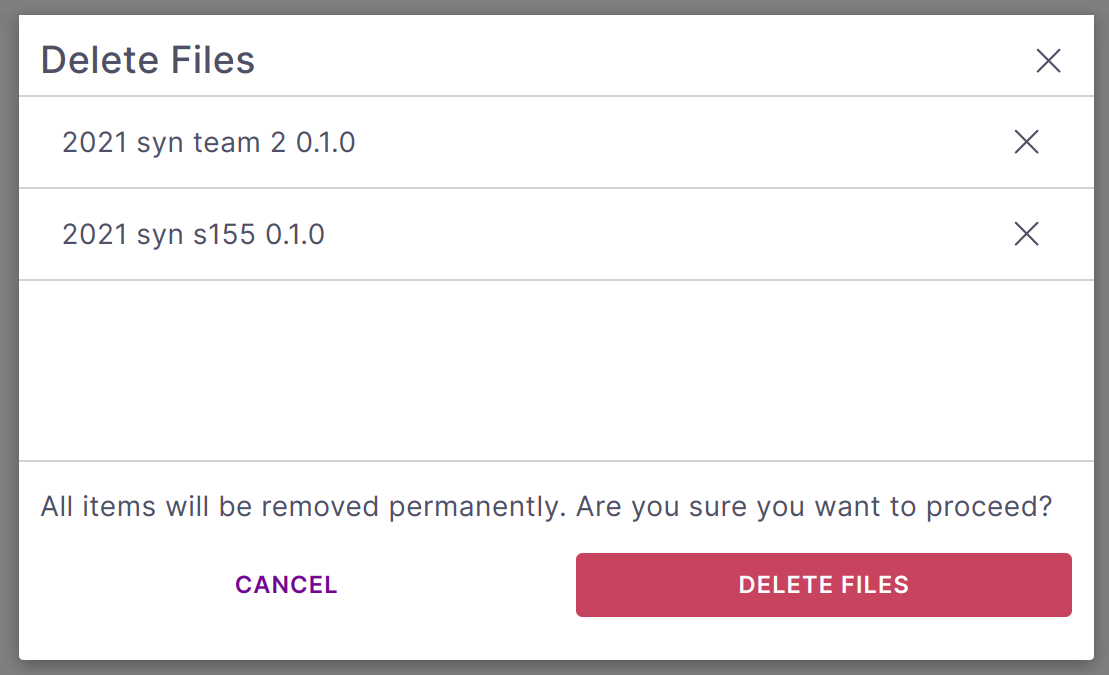
Warning: Use caution, deleted files are NOT recoverable.